Nori App Features: GPS Photo and Voice Notes
Discover the features that make Nori app unique. GPS location photos, voice notes, and security. Detailed feature review.

An unplanned trip can be an adventure, but a well-planned trip turns into an unforgettable experience. Here are the ways to create a perfect travel plan step by step using Nori app.
After choosing the destination you want to go to, start by marking the places to visit on the map. "Must-see places" lists on the internet are a good start, but the best discoveries usually come from local recommendations.
By using the Explore tab in Nori app, examine the memories shared by your friends or other travelers in that region before. Maybe you can discover a wonderful cafe right behind a popular museum or a sunset point unknown to tourists this way. Local recommendations are always the best.

Don't try to plan every day of your trip minute by minute; this stresses you out. Instead, divide the days into "regions". For example, make flexible plans like "We will visit the North Side on Tuesday". Always leave room for spontaneous developments and instant discoveries.
As for the budget, it is important to categorize your expenses. Since Nori is not just a memory book but also records the places you go, it allows you to find retrospective answers to questions like "Where did we eat, how much did we pay?".
When your trip is over, the most valuable things left are the memories you lived and the photos you took. However, you don't want to get lost among thousands of mixed photos when you return home. That's why it is very important to add location-based photos to Nori regularly during the trip.
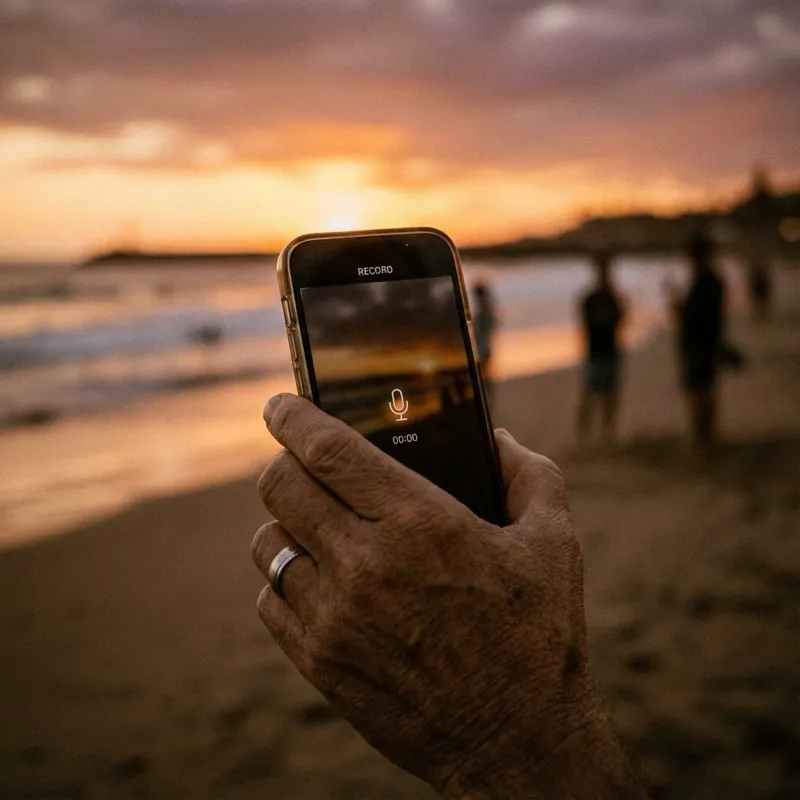
At the end of the trip, that unique route formed on your Nori map will be your personal documentary. You can also complete your story by enriching this route with voice notes.
Have a nice trip!
Discover the features that make Nori app unique. GPS location photos, voice notes, and security. Detailed feature review.

Ways to create a meaningful and organized digital archive instead of thousands of messy photos on your phone. Get rid of digital clutter with Nori app.

Detailed comparison for those looking for digital memory diary and photo apps. Day One, Google Photos, Polarsteps and Nori... Which app is for you?